Paranormal EMF Tracker & Recorder
Detect, record and analyze electromagnetic field (EMF) anomalies with his free app.


EMF Detection
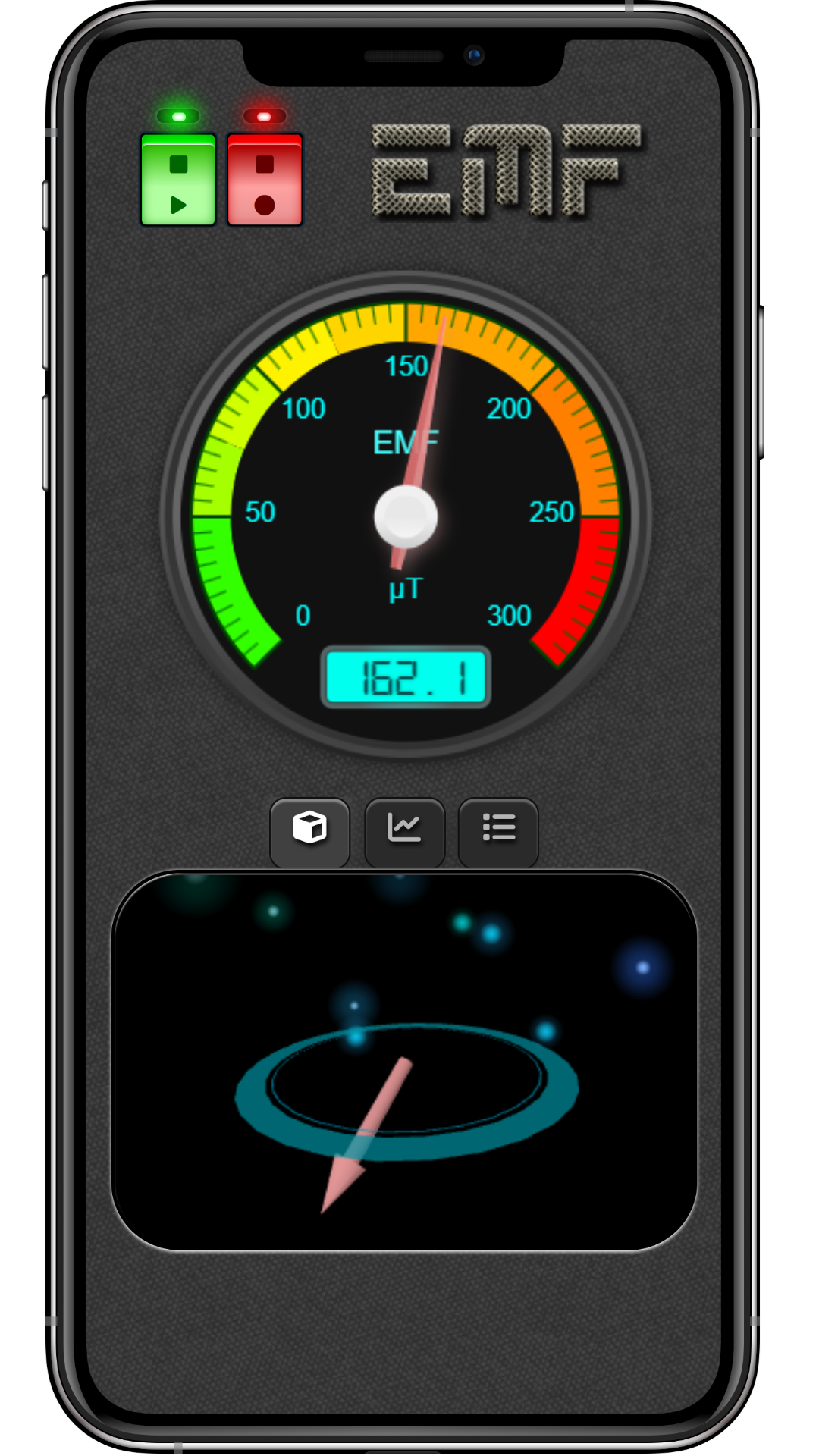
- Accurate EMF readings using your phone’s magnetometer
- Real-time gauge for immediate and clear readings
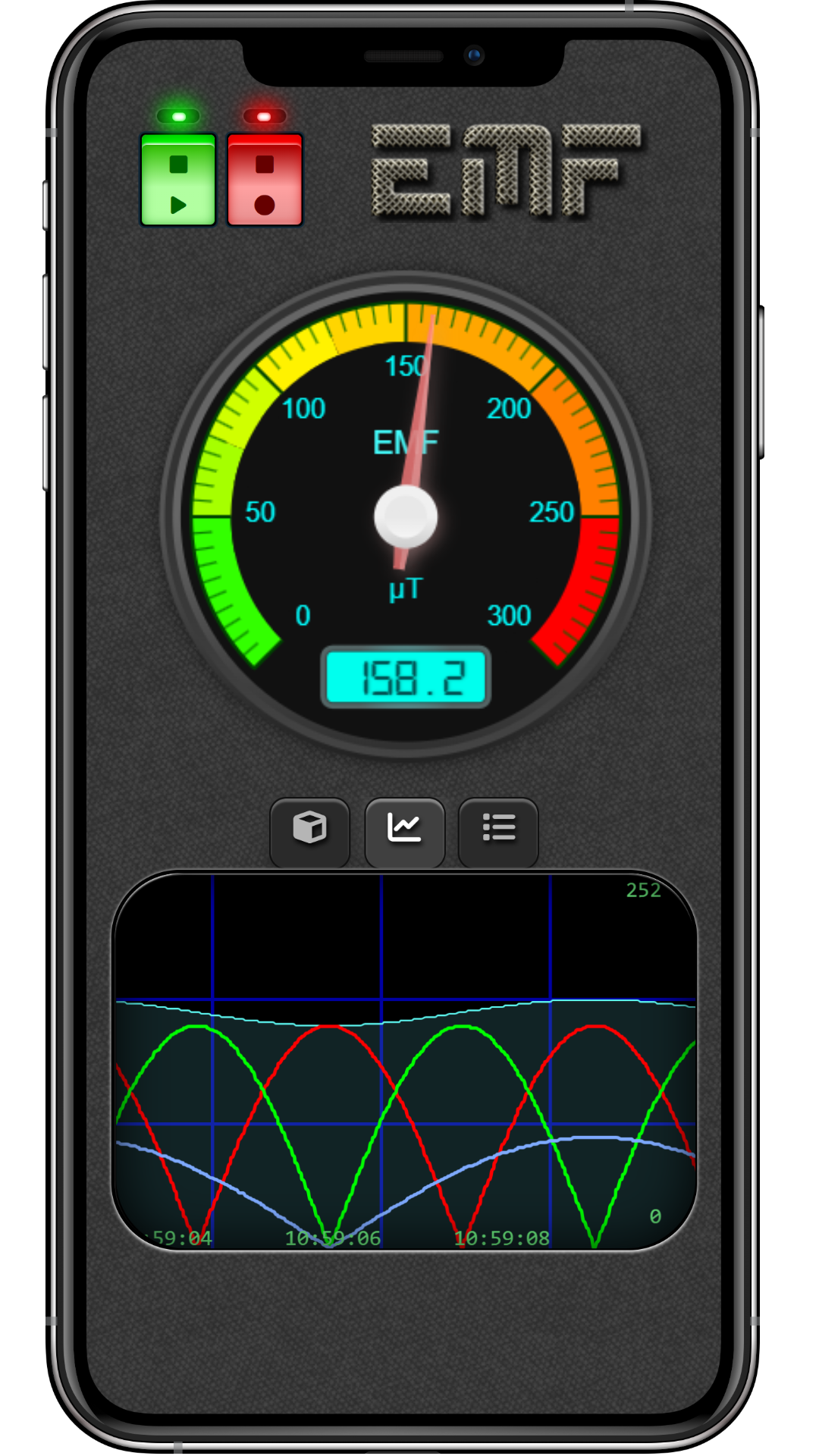
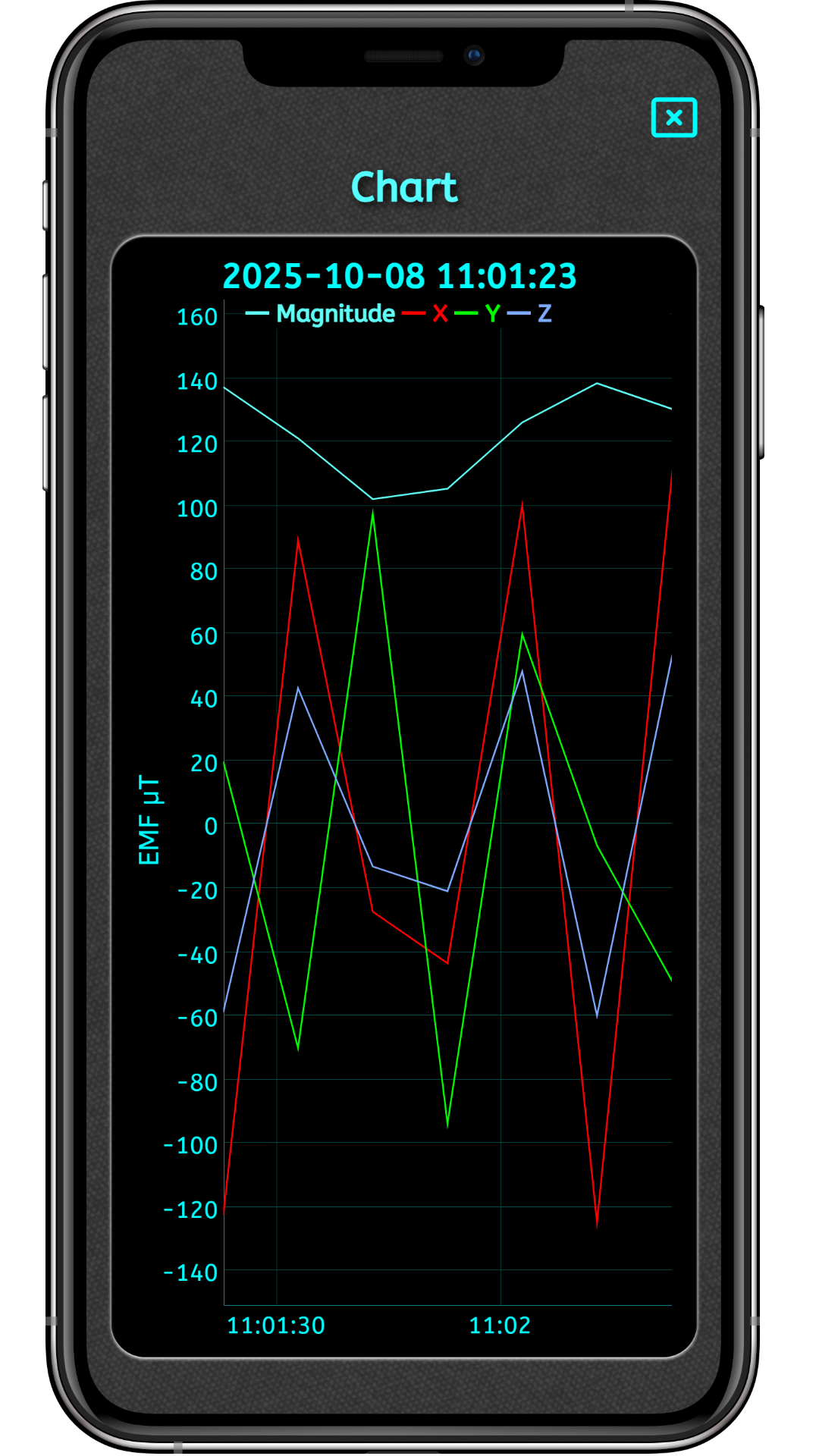
- Real-time diagram for details
- Real-time 3D view showing the direction and strength of the electromagnetic field
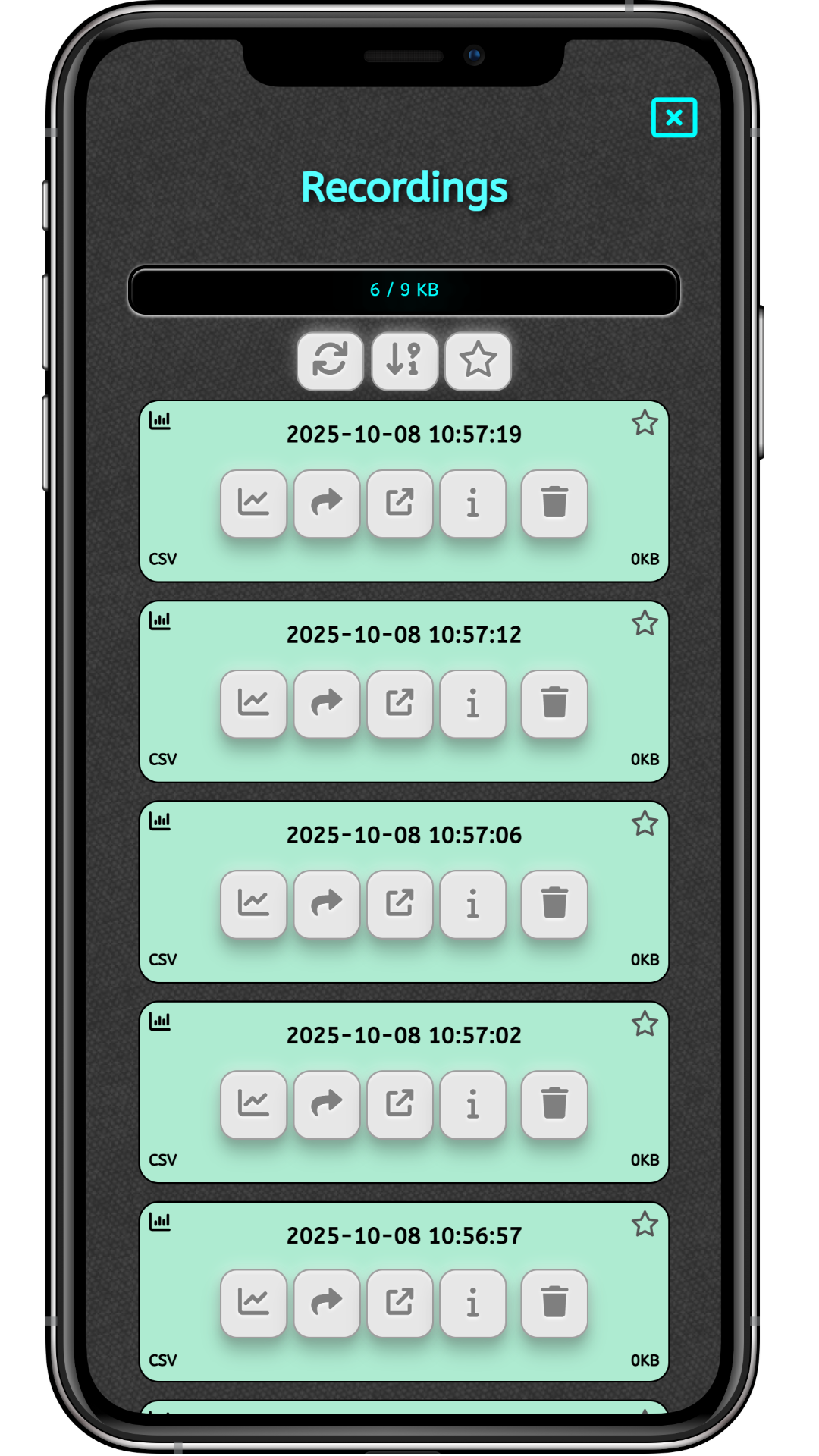
- Analyze your recordings from within the app, open them in compatible apps or share with your friends
- Works offline
- Record sessions up to 72 hours (Pro version)
- A multitude of graphical themes and sounds are available (Pro version)
Record and Share
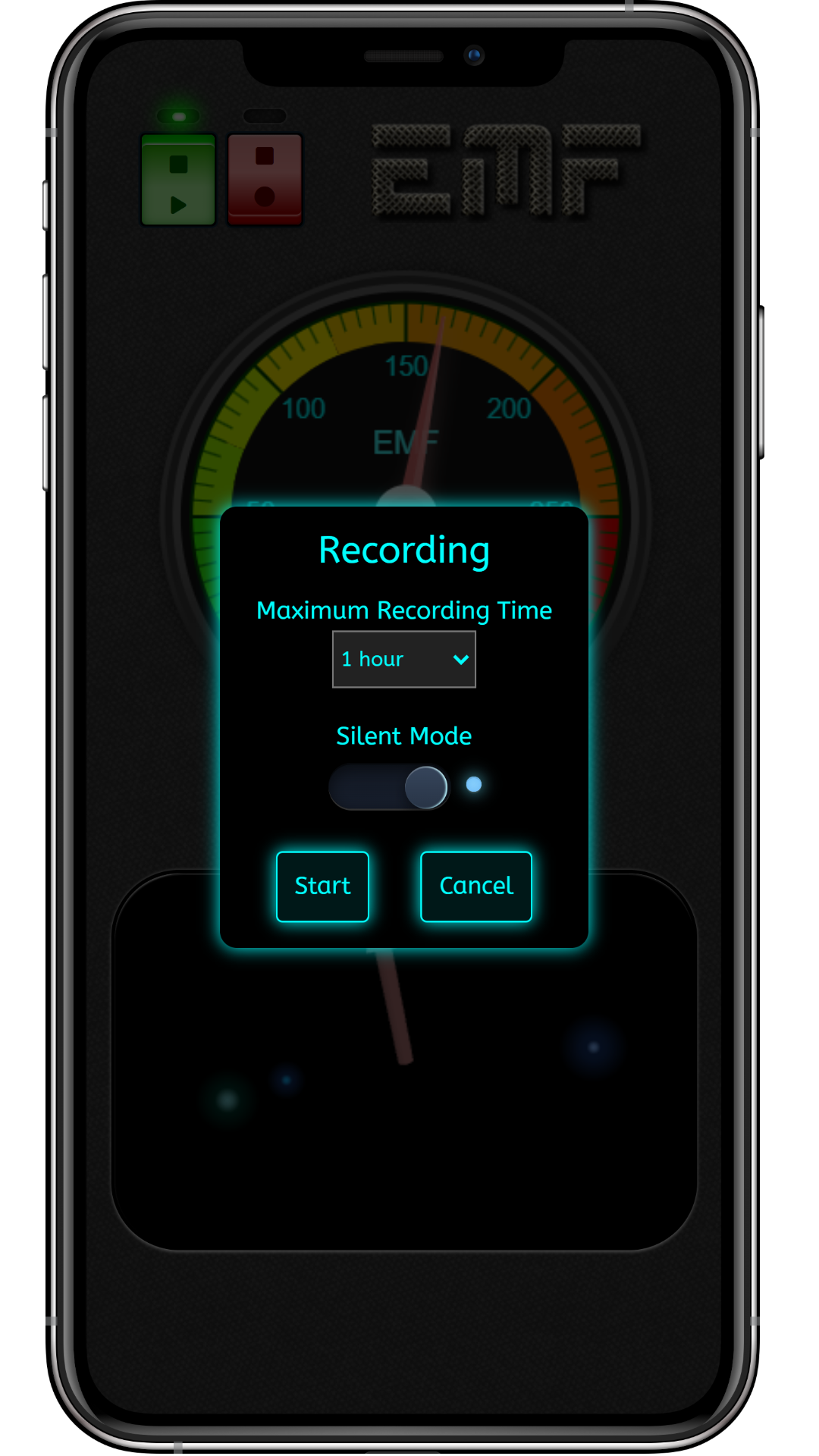
You can set record measurements automatically for up to one hour. This should be enough for most users, but for professional Ghost hunters and Paranormal investigators the in-app upgrade enables you to record constantly for up to 72h. The longer recording limits are suitable for long-time monitoring of specific locations or even a way of measuring the EMF you are exposed to during an ordinary day or during a Paranormal investigation. The recording feature allows you to do other things instead of constantly keeping your eyes glued to the screen during a scanning session. Recording can be performed with or without a scanning sound. You can also share the recordings with friends or family.
Analysis
The powerful in-app analysis allows you to swipe and zoom through the diagrams representing recorded EMF scan results. A neat feature is that the recordings are saved as comma-separated files (CSV), which is a common file format that many apps and computer applications support (e.g., MS Excel). Paranormal investigators certainly appreciate this since it makes it easy to include long-time scan results in logs and client reports. And to make things even easier, you can open your recordings in other apps with the push of a button.
Settings
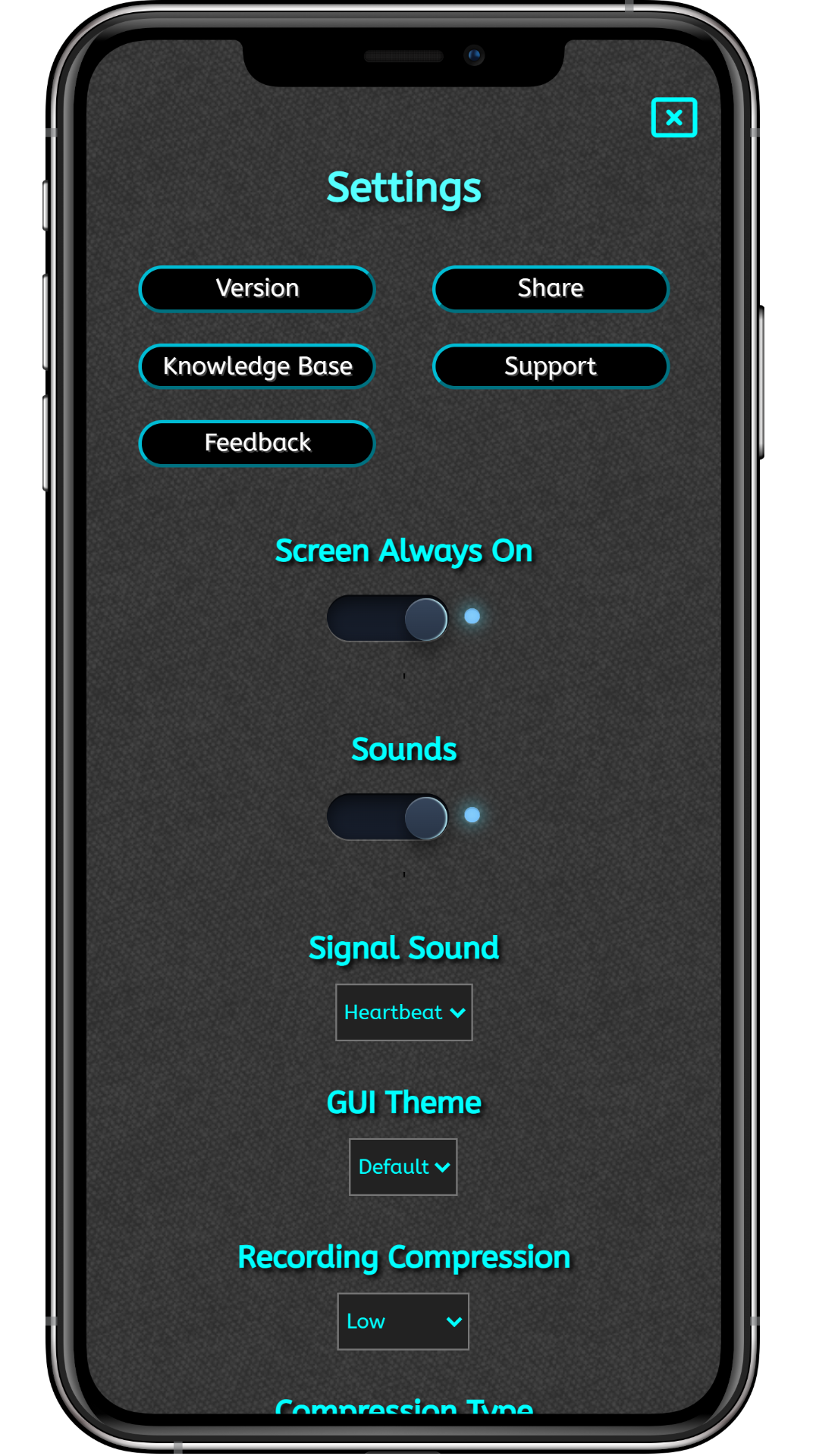
We understand the importance of being able to tweak and configure all aspects in this type of app. The Settings Screen won’t hopefully disappoint anybody. As with all app screens, it comes equipped with a user guide that describes all the parameters. Among other things, you can change the compression type of recording files, the scan sensitivity, and if you’ve chosen to upgrade to the Professional Edition, change the GUI theme and sound effects.
Media